


About the course
A well-set-up workstation can improve comfort, focus, and productivity throughout the day.
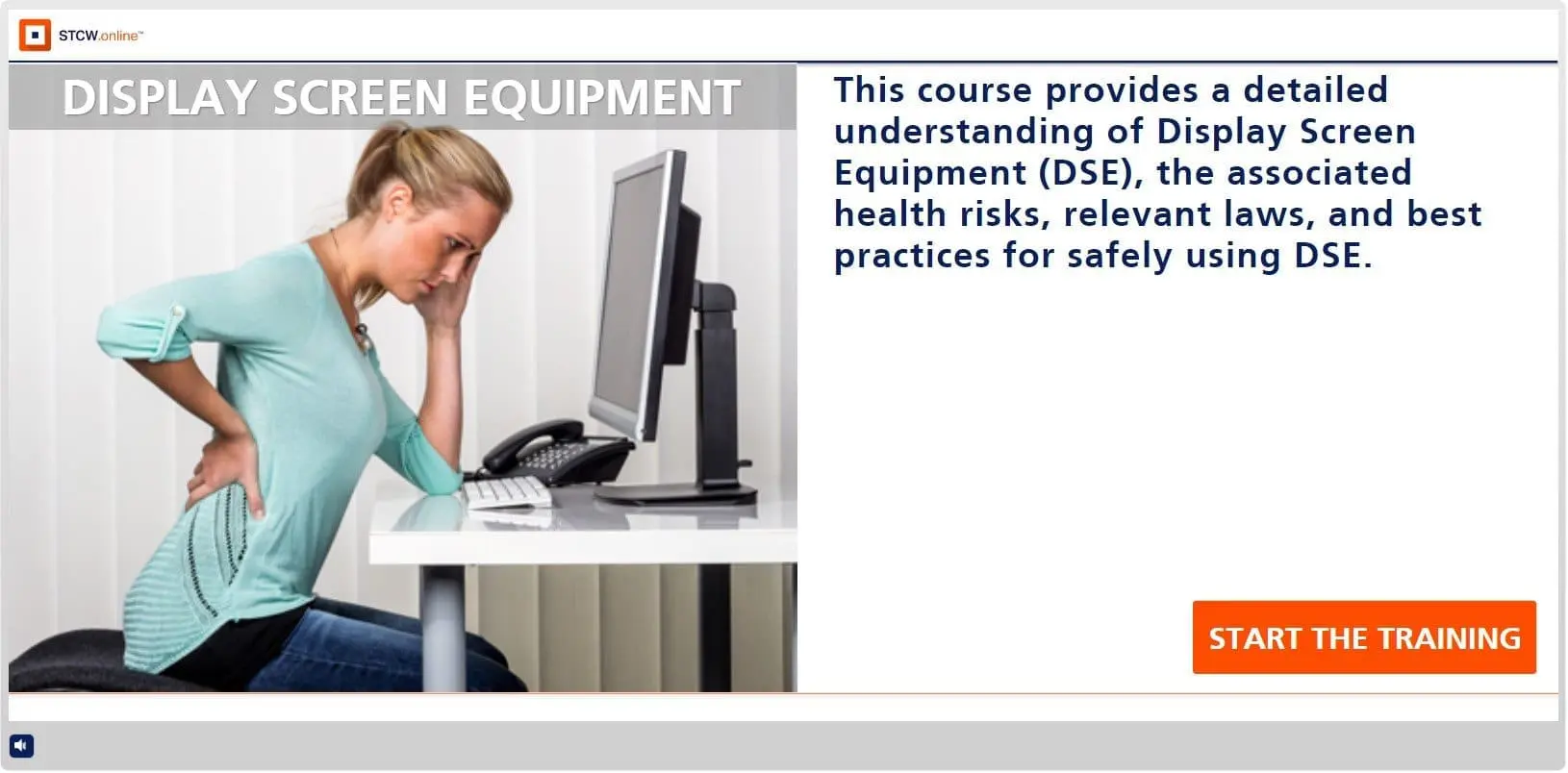
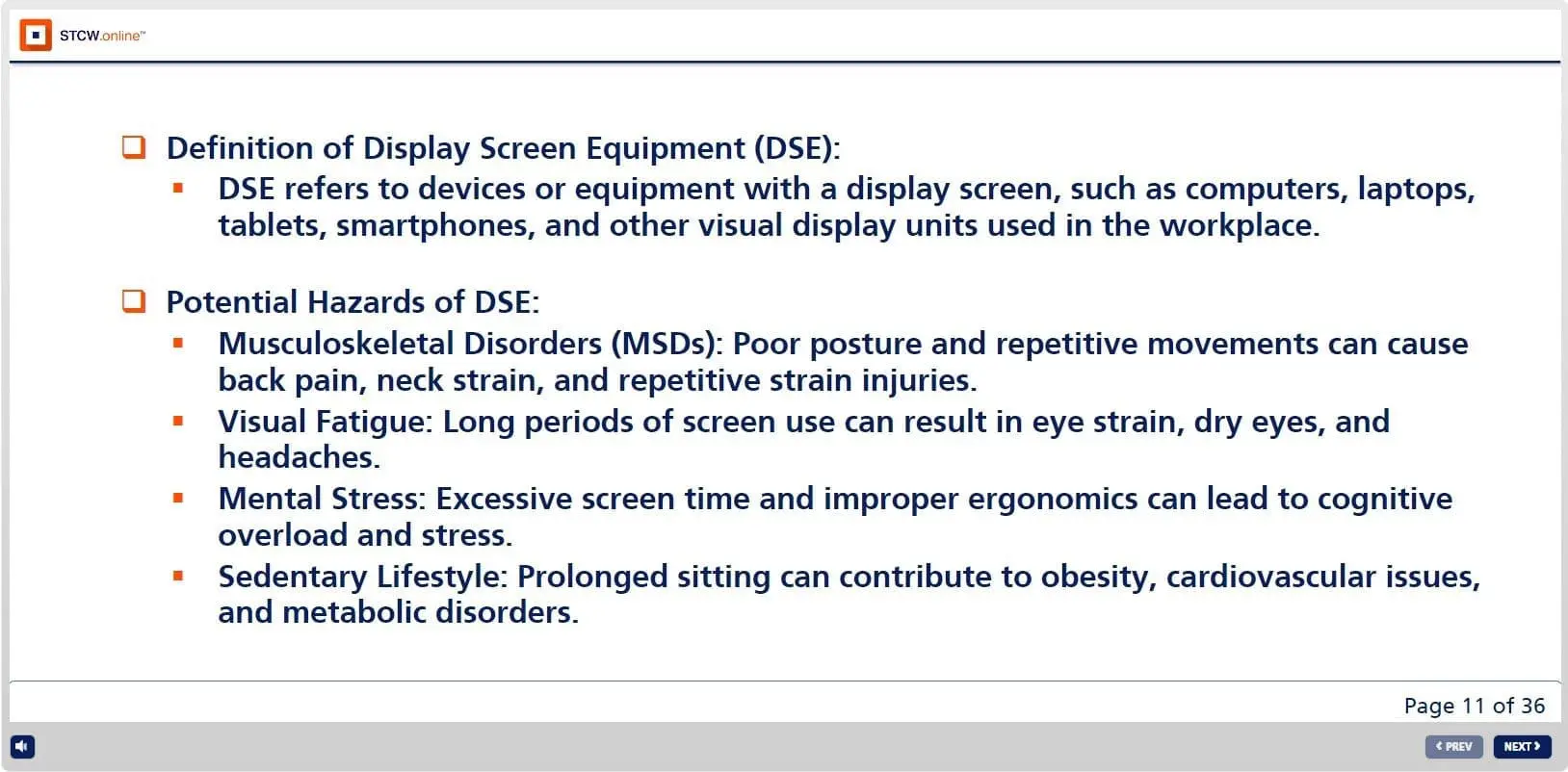
This Safe and Healthy Practices for Display Screen Equipment Use course provides a detailed understanding of DSE, the associated health risks, relevant laws, and best practices for safely using DSE.
Participants will learn how to prevent musculoskeletal disorders, ensure proper workstation ergonomics, and manage the risks of using computers and other display devices. The training supports safer daily screen use by reducing discomfort and helping prevent long-term injury.

Learning objectives
By the end of this course, you’ll be able to set up and use DSE safely by identifying common hazards and applying ergonomic controls that reduce discomfort and injury risk.
- Identify hazards related to Display Screen Equipment (DSE) and mitigation strategies
- Summarize major health and safety concerns from screen use
- Explain the legal framework governing Display Screen Equipment use
- Describe workstation risk assessment steps and controls to apply
- Demonstrate proper mouse use, screen viewing, and safe laptop handling
Getting Certified
How to Receive Your Certification in 3 Simple Steps
1. Complete Your ID Verification
For first-time customers, we’ll guide you through a quick and secure ID verification process. This helps protect the integrity of our program and ensures your certification is issued correctly.
2. Study the Course Material
Access your learning portal and work through the course at your own pace. Our content is designed to be clear, engaging, and easy to follow—everything you need to feel confident before testing.
3. Pass the Assessment
When you’re ready, complete the final assessment. The Assessment consists of multiple-choice questions. Achieve a passing score, and you will receive a download link for your signed and stamped certificate approved by ECMT (Emergency Control and Maritime Training).
You are free to (re)print your certificate anytime. An original hard-copy by mail can be ordered (not included).

How it works
1. Sign up
Go digital and save time. Simply sign up and you can start the course immediately.
2. Take the course
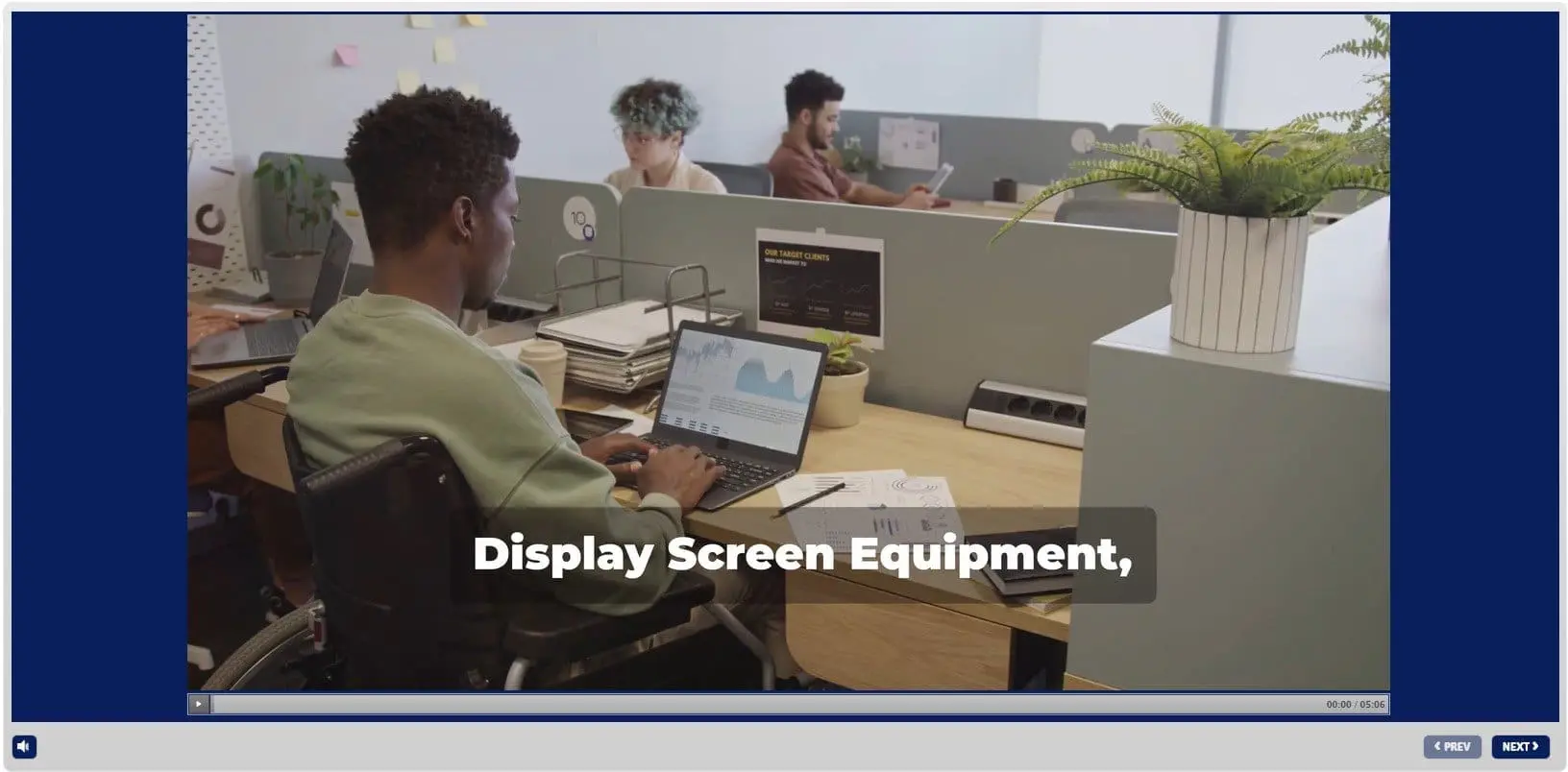
You will need a PC, laptop, tablet or smartphone (iOS or Android). You can take the course online or download the course.
3. Assessment
The Assessment consists of multiple-choice questions. Upon successful completion of the assesment you will receive your certificate.
4. Certificate
You will receive a download link for your certificate. You are free to (re)print your certificate anytime. A signed and stamped original hard-copy by mail can be ordered.

After passing the assessment, you will receive a download link for your signed and stamped certificate approved by ECMT (Emergency Control and Maritime Training)
You are free to (re)print your certificate anytime. An original hard-copy by mail can be ordered (not included)
Related courses